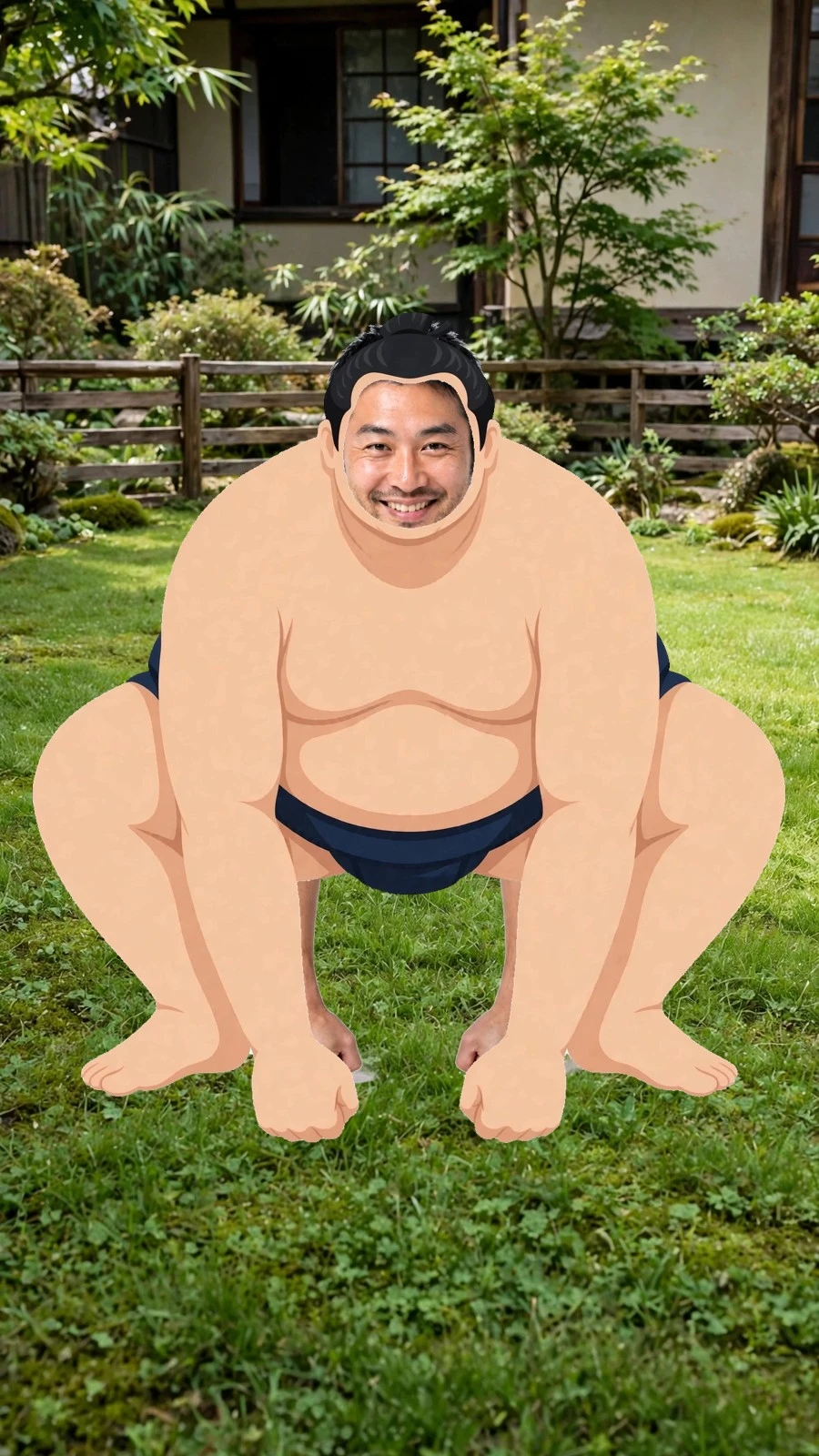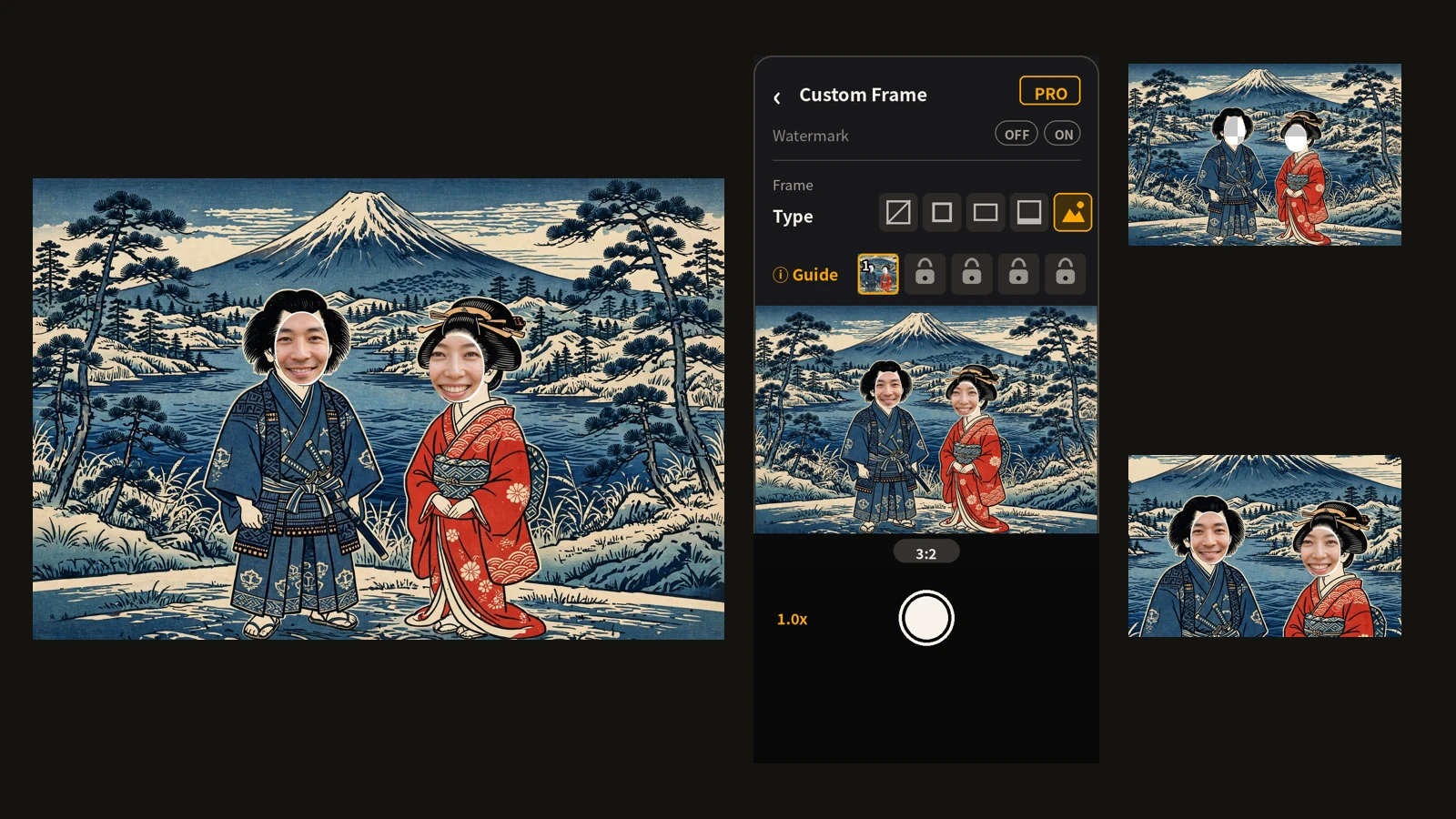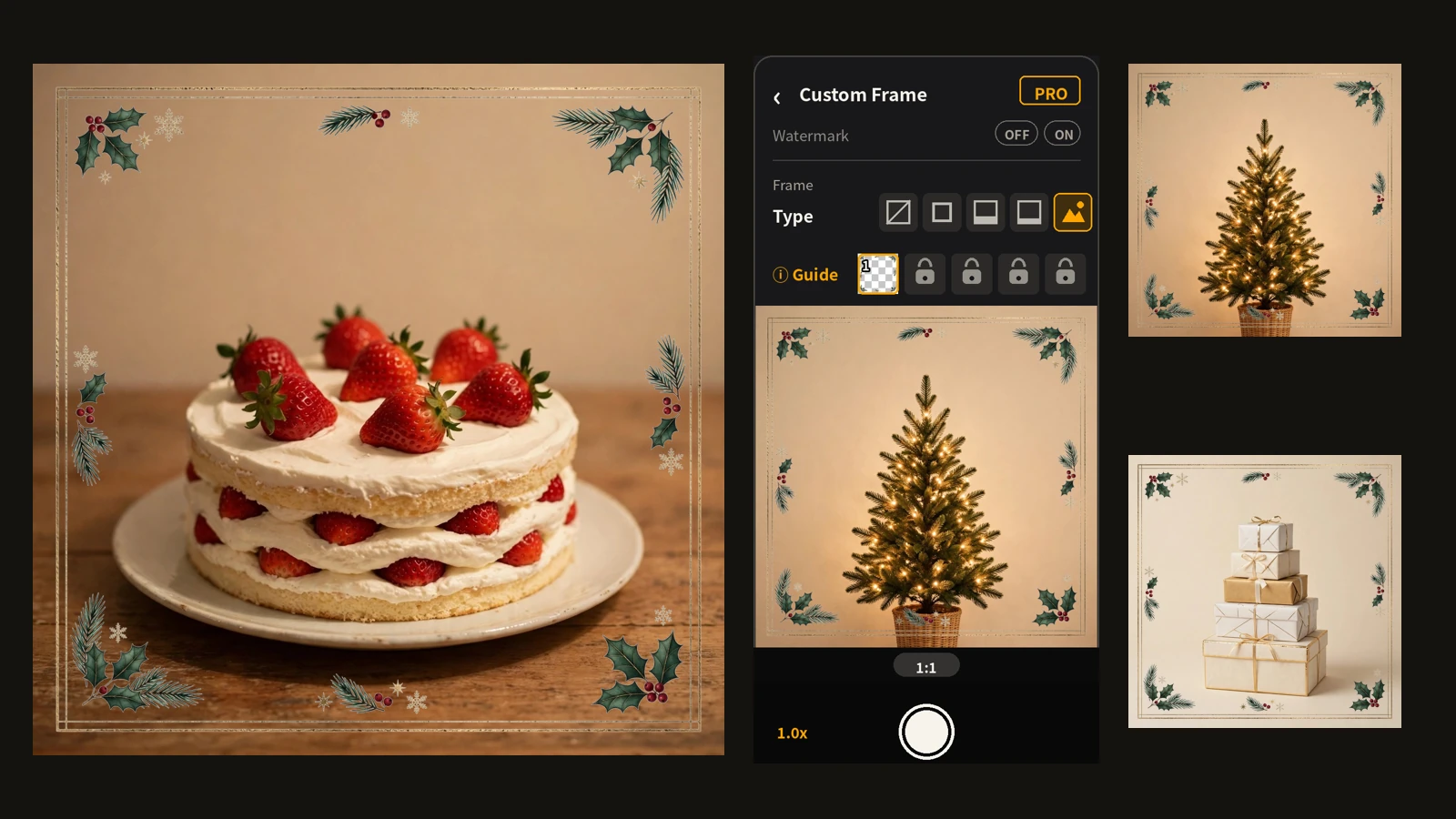
New Year greetings have quietly become a chore. A card means choosing a design, printing it, addressing it, and posting it. And even if a message would do, the editing that makes a photo feel like New Year always gets left for later.
So this year, the photo itself is the greeting. Make one New Year frame before the day, set it in Encadra, and the photo you shoot on New Year's Day is a framed greeting the moment you shoot it. This article is the record of actually making a New Year frame in the Frame Maker. The feature itself is explained in the custom frame article , and the step-by-step is in how to make a custom frame . This one stays with what it was like to make it.
First decision: do not fight the photos
Three things were decided before making anything. The ratio would be 1:1. The centre would stay empty, with motifs only around the edge. And the colours would be limited to red, white, and gold.
The 1:1 ratio was chosen because the photos are meant to be sent. A square drops straight into a message app or a social post, and it is the standard shape for New Year photos. The subjects are already busy, too: a New Year table, an osechi box, the first sunrise. If the frame is just as busy, frame and photo melt into each other. The rule while making it was to match only the mood, and let the frame alone carry the decoration.
Made in the Frame Maker
The process is three steps: pick a taste, enter a theme, generate and export.
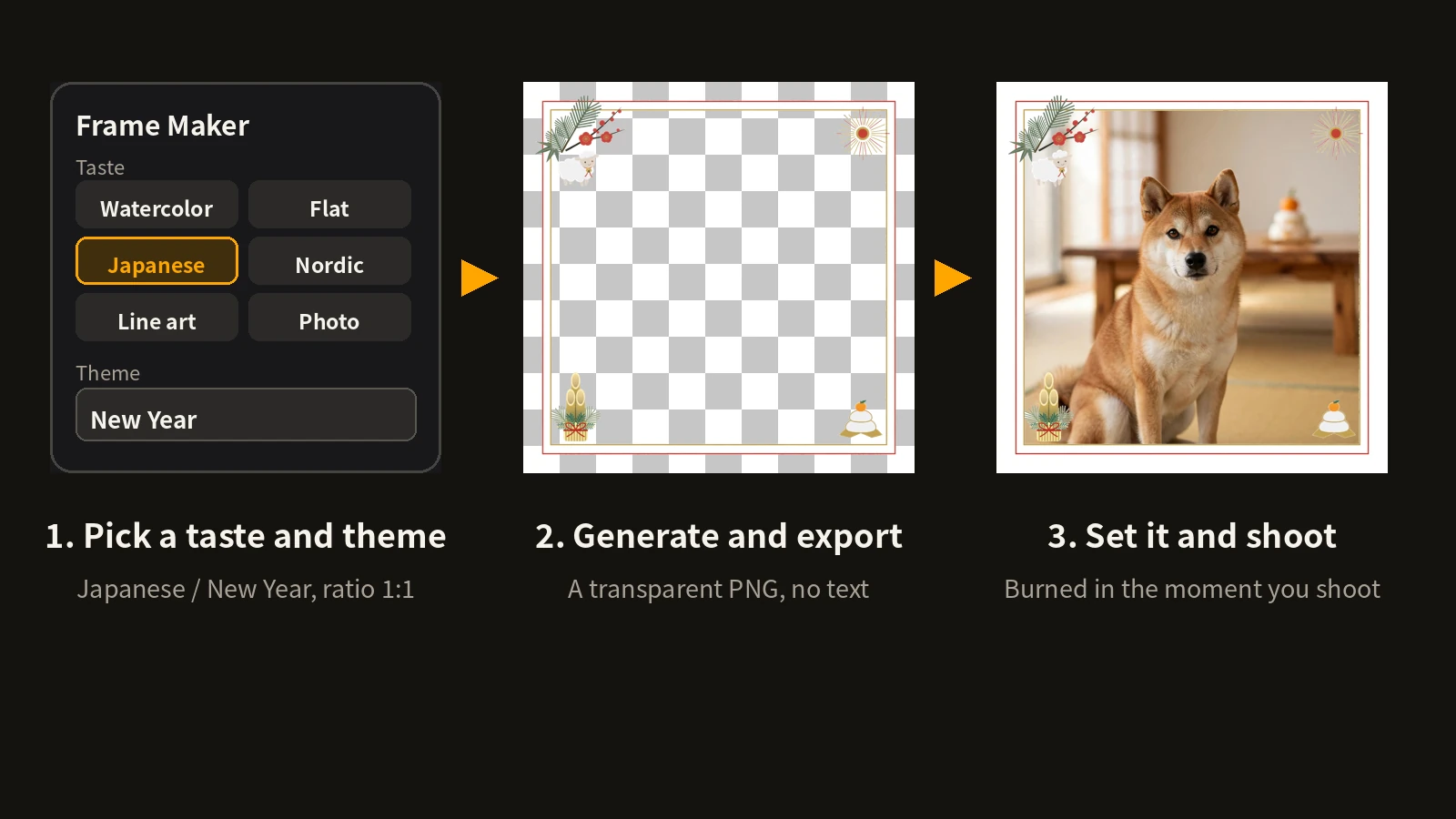
From the twelve tastes, I chose Japanese. An earlier piece used a full ukiyo-e picture as a face panel, but this one is an edge-only decorative frame, so the style leans to a flat, modern Japanese look. The theme field got "New Year", and the request specified a thin red outer line and a gold inner line, pine-bamboo-plum with a sheep — the 2027 zodiac animal — at the top left, the first sunrise at the top right, a kadomatsu pine decoration at the bottom left, a kagami mochi rice cake at the bottom right, and no text.
Here is the exported frame.
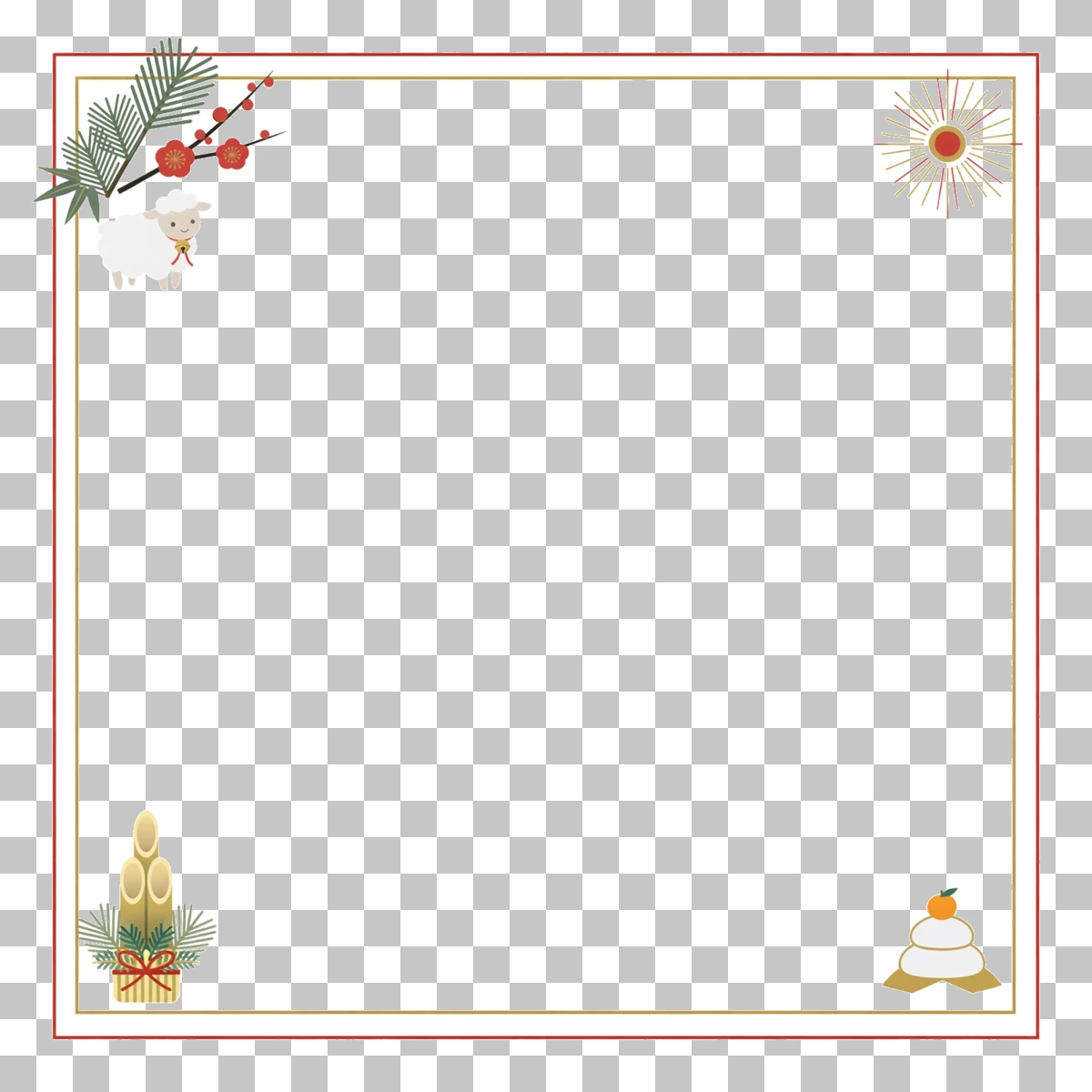
A double band — a red outer line and a gold inner line — with motifs only at the four corners. The centre is transparent, and measured, the central area was fully transparent. With its white margin, the frame itself already looks like a New Year card.
Set in Encadra
The exported transparent PNG goes into a frame slot on the shooting screen.
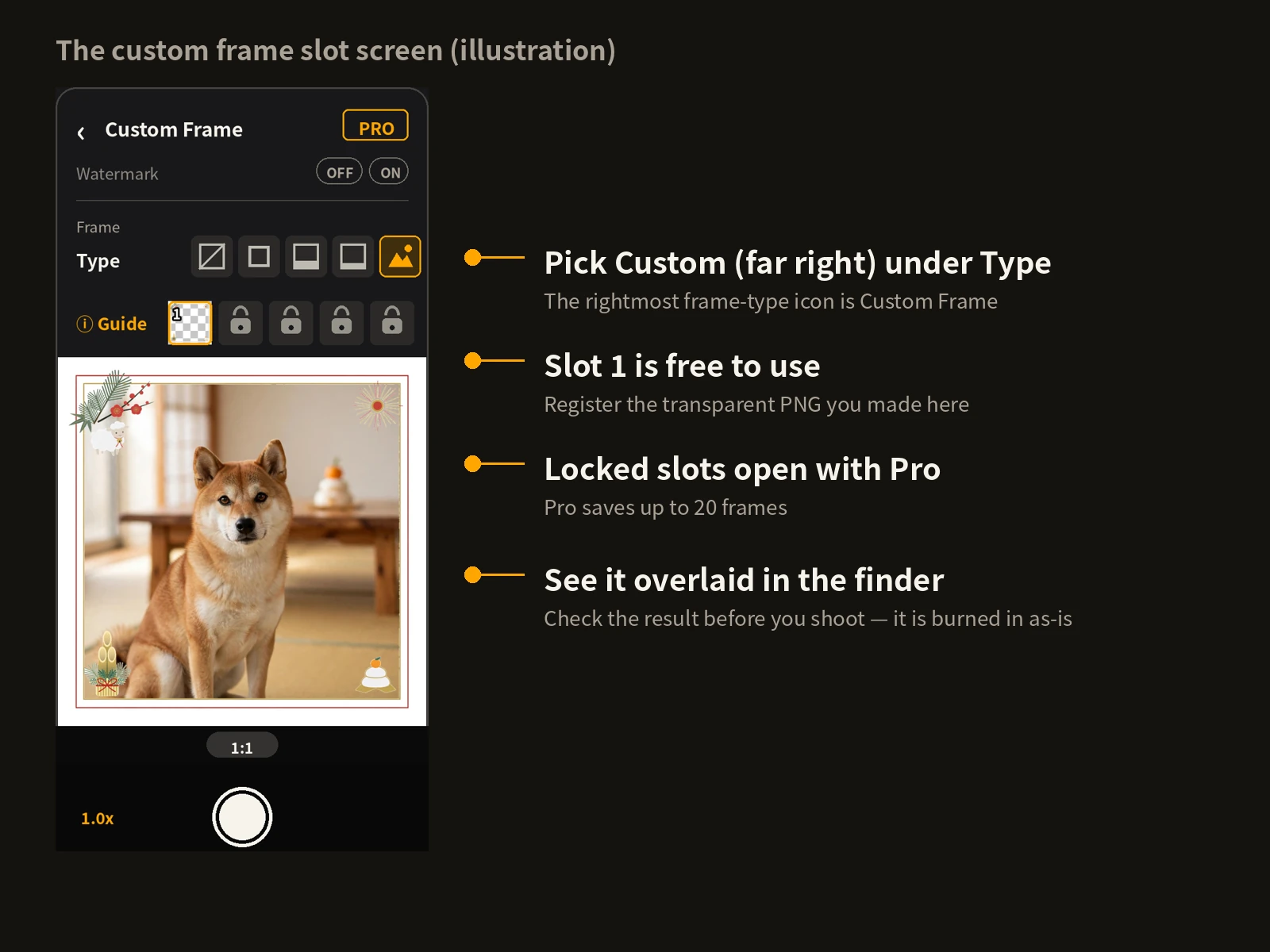
One slot is free, and the New Year frame went into that slot. The registered image is copied into Encadra, so the frame stays even if you delete the original PNG from your device. The frame is also overlaid in the finder, so you can check the result before you shoot.
Shoot it, then send it
Once it is set, New Year's Day is just shooting as usual. The photos taken with the same frame came out like this.
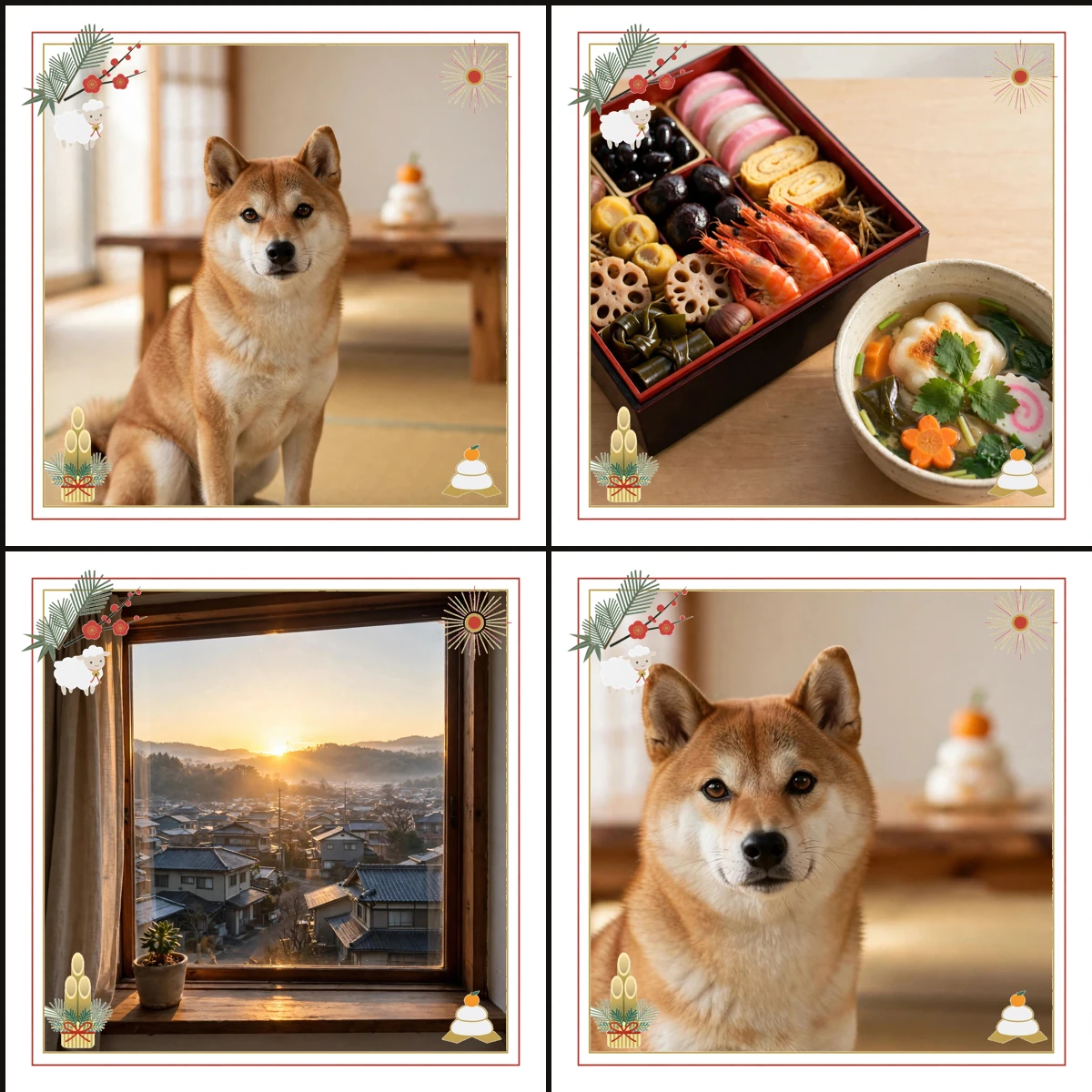
Note: This image simply places separately shot photos side by side. It is not a Sequence photo, which combines multiple shots into one image — custom frames are not available in Sequence.
A Shiba Inu greeting photo, the osechi table, and the first sunrise from the window. The subjects change, but the frame stays the same, so side by side they read as one New Year set. And each photo can be sent as a greeting as it is. Between shooting and sending, there is no editing step at all.
What I learned
The first point is that a white-based frame can melt into bright photos. The white margin and the white parts of the motifs — the sheep's wool, the kagami mochi — lose their edges against a bright background like a white wall. What actually carries the frame on a bright subject is the red and gold lines, so check in the finder that those lines still read. The first-sunrise motif, made of thin radiating lines, disappears most easily against a bright sky; asking for stronger gold and red when generating it was the fix.
The second point is to decide about the zodiac animal first. Adding the sheep makes the frame a keepsake of 2027, but it also means the frame cannot be reused the following year. If you want a frame for every year, make a version without the zodiac animal as well, and the edge design carries over.
The third point is the usual one: decide the ratio first. A custom frame is fixed over the whole photo, so if the frame's ratio and the photo's ratio differ, the artwork is burned in mismatched. This time the sending shape was set to 1:1 before the frame was made.
Make it before, set it before. On New Year's Day, shoot it and send it as-is. That was how this New Year frame was made. The full picture of the feature is on the Encadra page .