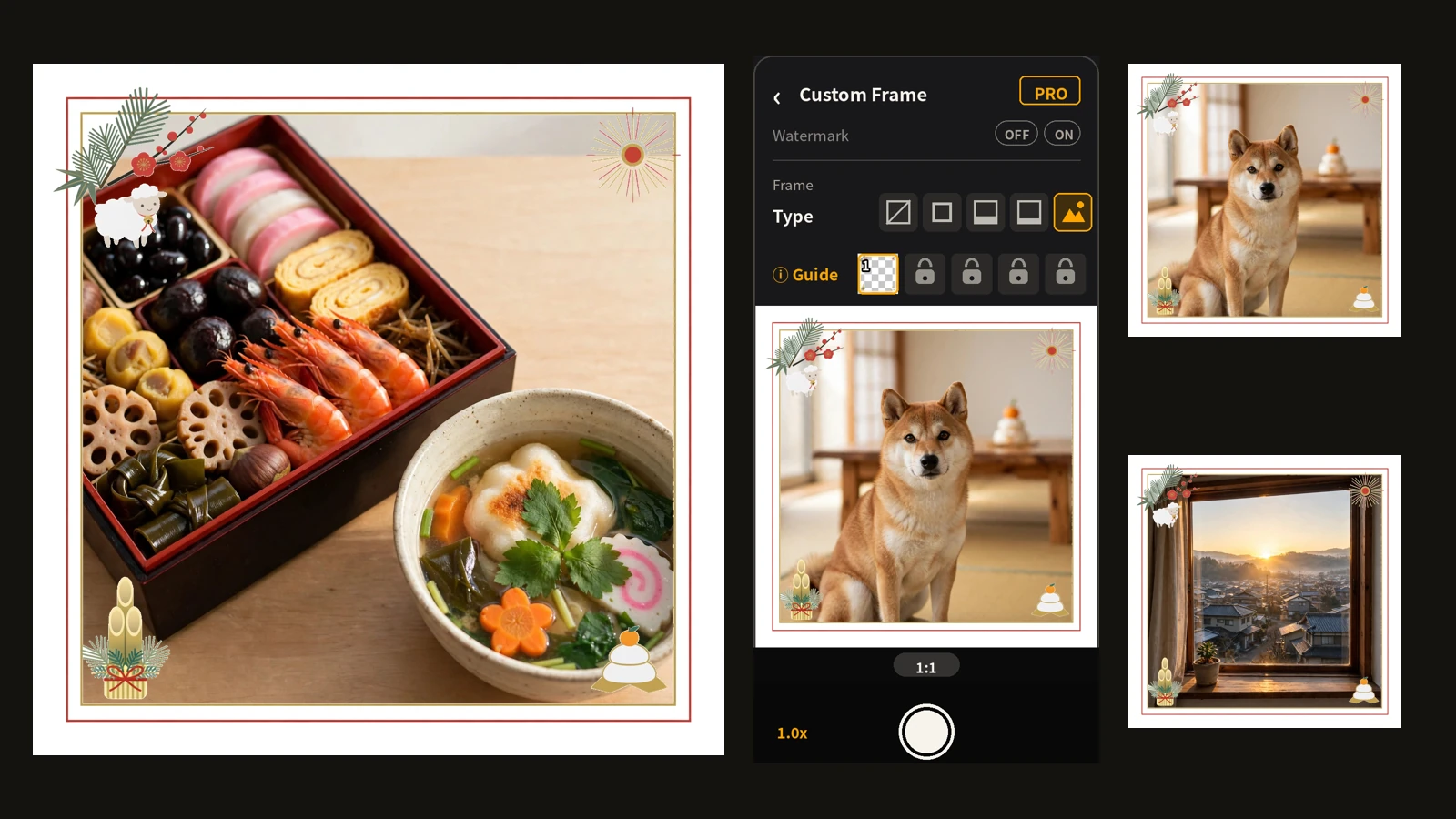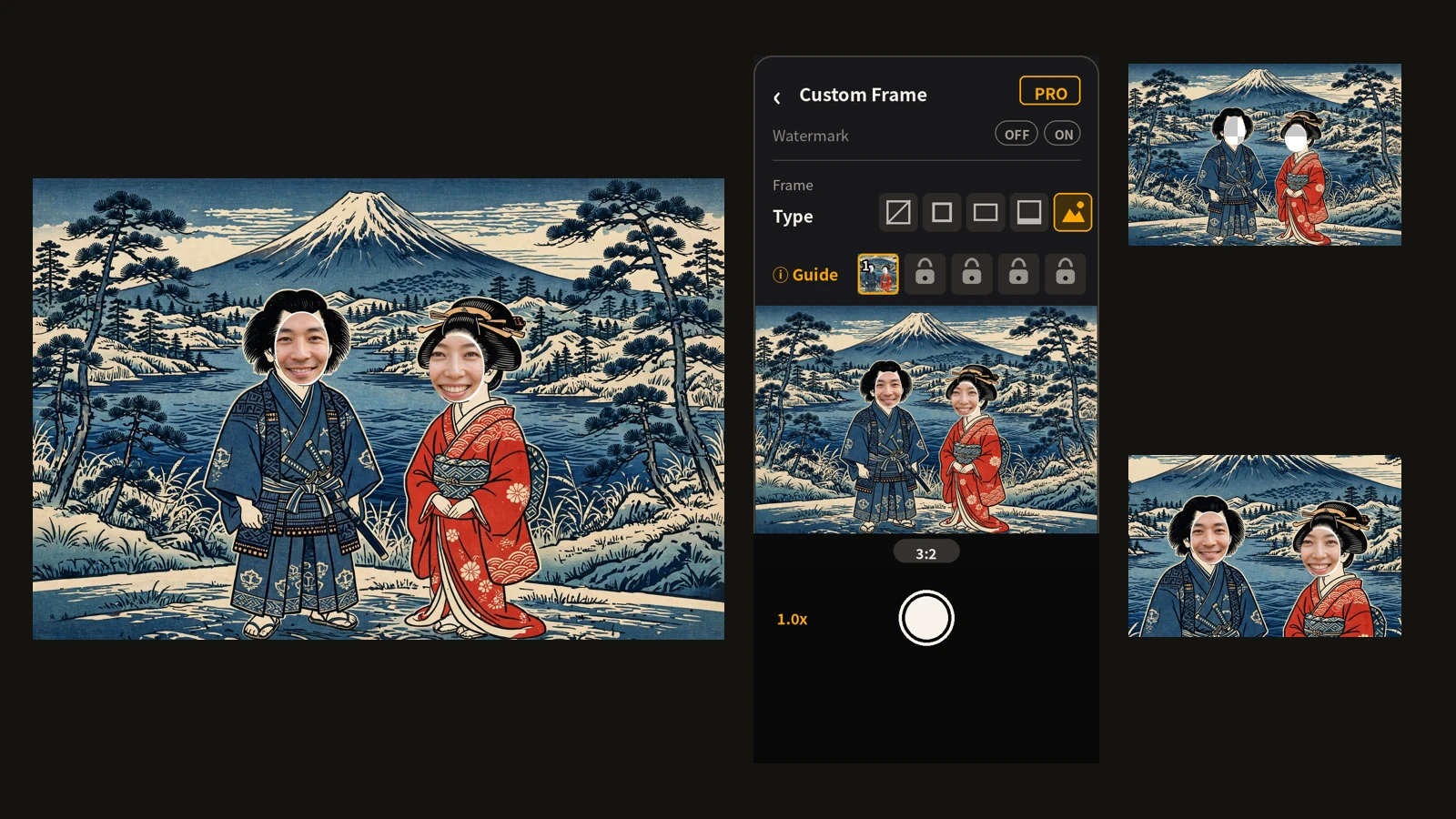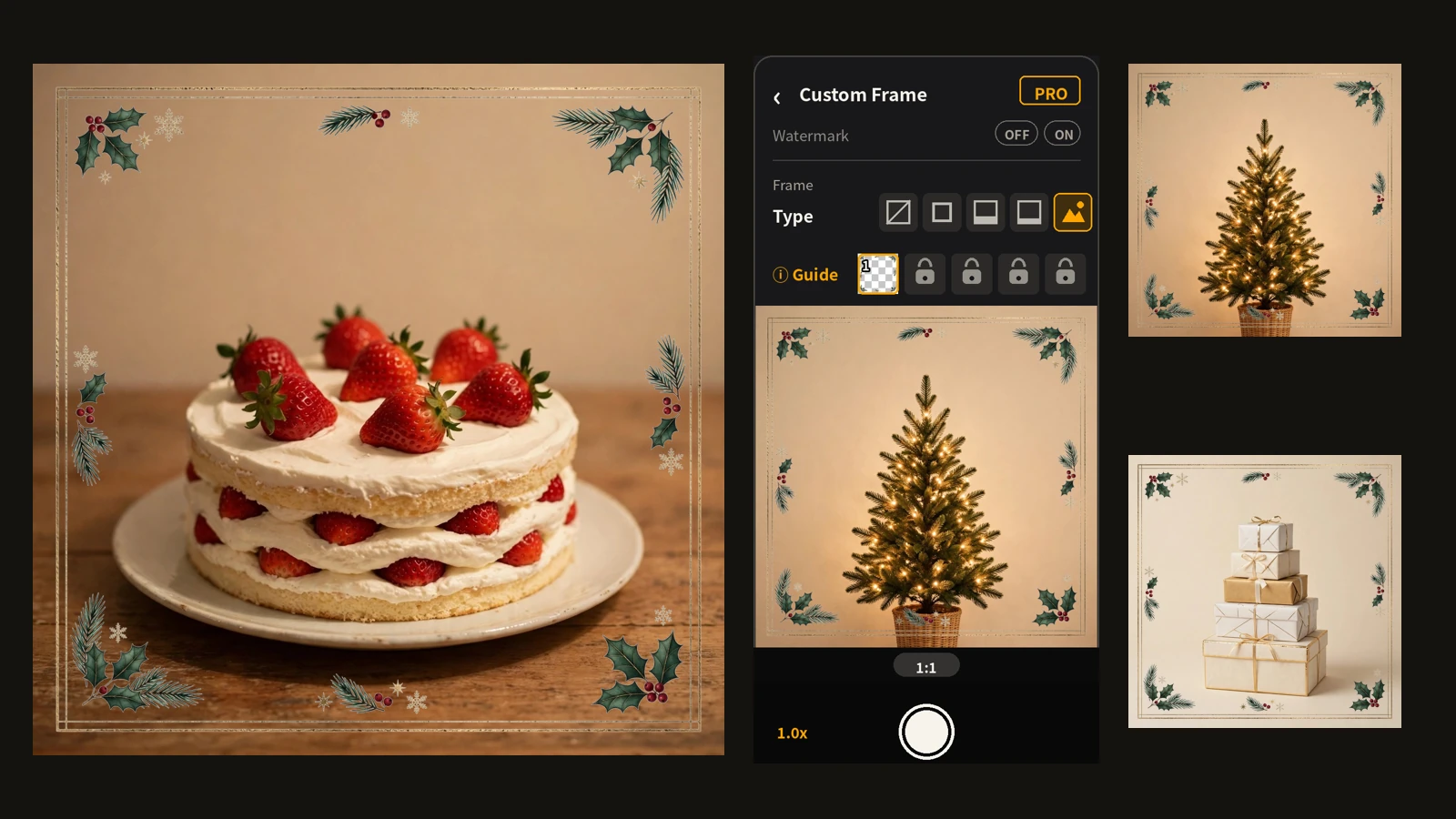
To take a photo of yourself as a sumo wrestler, you would normally need a costume, or a face-in-hole panel at an event venue. I have neither at home. So I decided to make the body myself: I asked AI to draw just a sumo wrestler's body, turned it into a die-cut image with a hole where the face goes, and set it as a custom frame in Encadra. Then all that is left is to step into the garden, line up my face with the hole, and shoot. This article is the record of trying exactly that. For the feature itself, see the custom frame article ; for the detailed steps, see how to make a custom frame .
First decisions: the shikiri pose, and permission to stick out
The pose is shikiri, the sumo crouch where the wrestler lowers his hips and puts both fists on the ground. With face-in-hole cutouts, the usual instinct is to hide the person's body neatly inside the drawing. I did the opposite. The person takes the same shikiri pose as the wrestler, and arms or legs sticking out of the drawing are not a flaw — they are what makes it feel powerful.
The wrestler was also redrawn to match the person's own build rather than a generic one. When your face sits in the hole, a body that belongs to someone else feels wrong. Raising the chin so the face looks forward is another adjustment in the same spirit: real shikiri is a stare-down with the opponent.
Drawing the wrestler, and cutting it out
The brief had four points: draw the body only, leave a hole for the face, make the belt dark navy, and use a modern flat illustration style. From the drawing, I made a die-cut PNG with everything outside the body — and the face area — transparent.
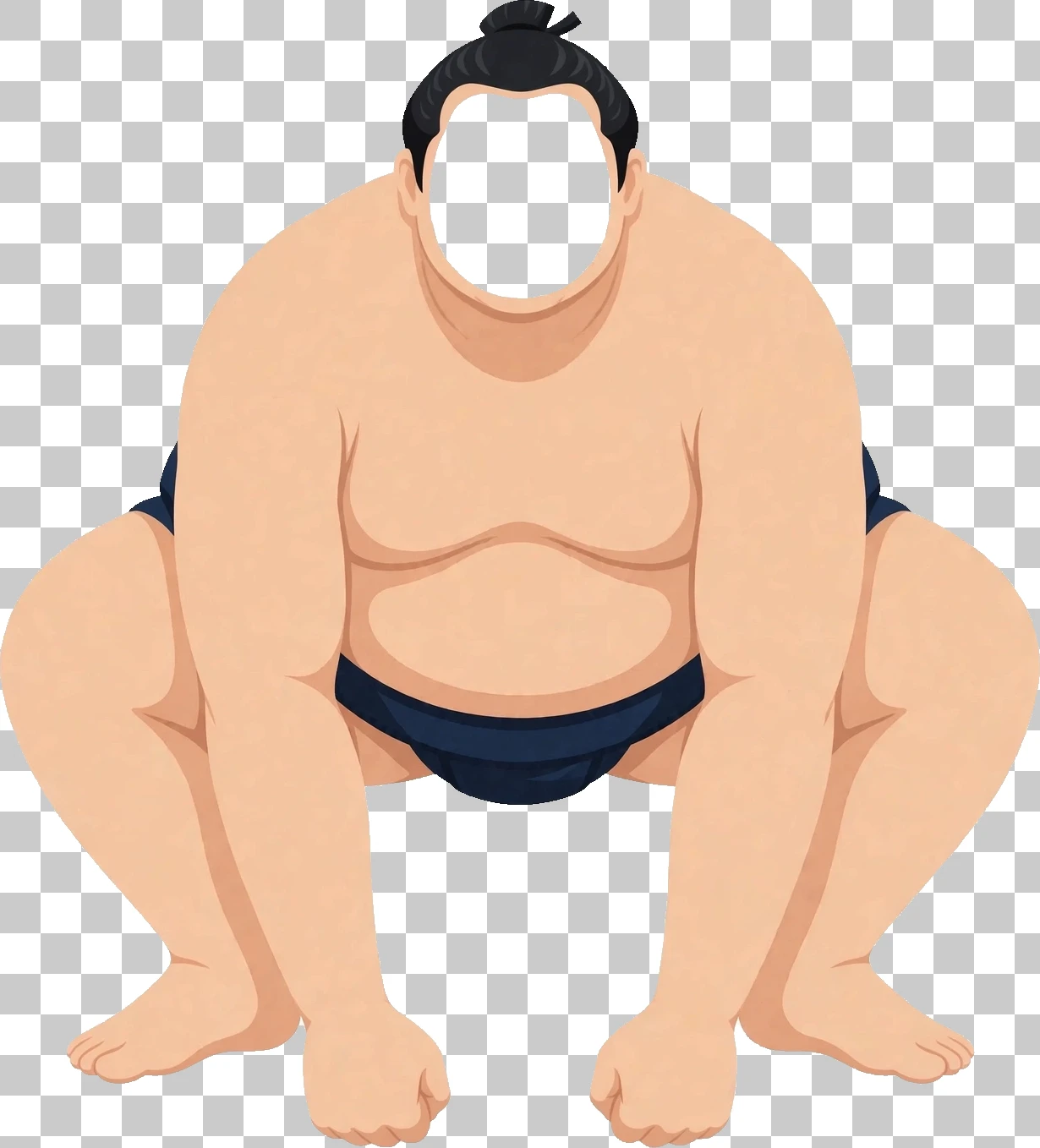
Measured, the cutout is 1230×1358 px overall, and the face hole is 214×242 px. The hole's aspect ratio becomes the reference for lining up a face.
Setting it in Encadra
The transparent PNG goes into a frame slot on the shooting screen.
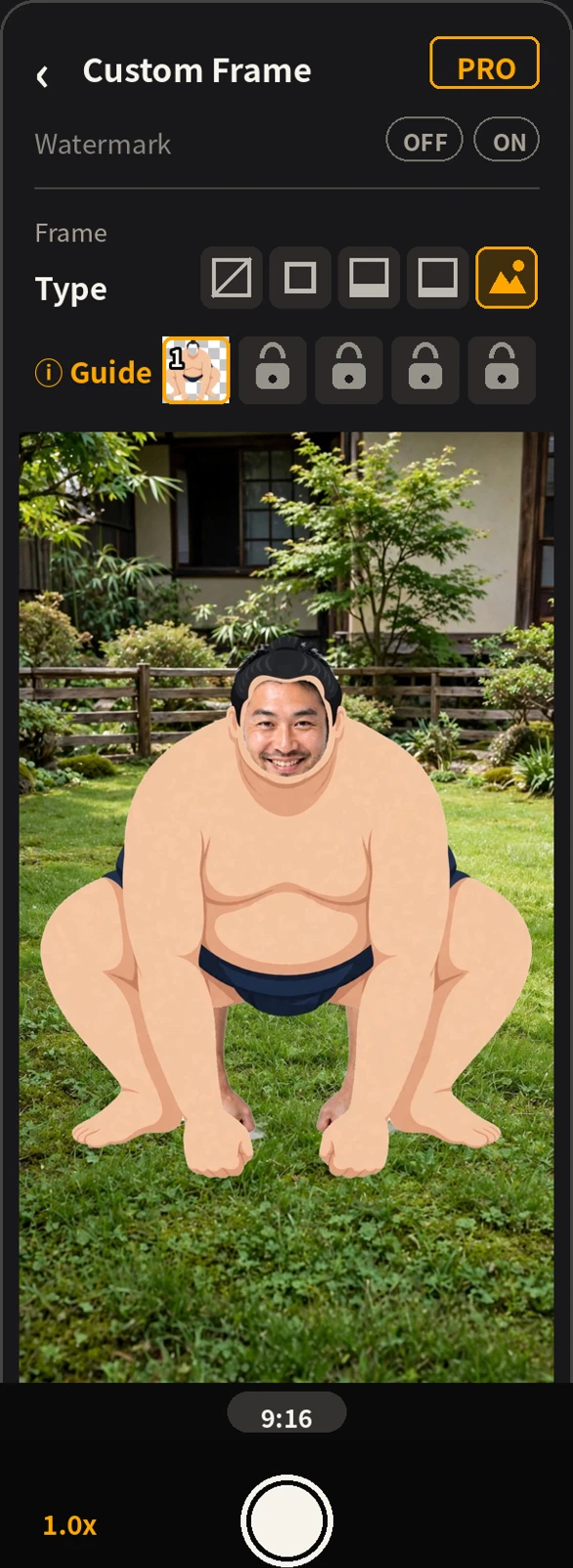
One slot is free. The registered image is copied into Encadra, so the frame stays even if you delete the original PNG from your device. The frame also appears over the finder, so you can check the result before shooting.
Shooting in the garden
Once it is set, you just go out into the garden, take the shikiri pose, and shoot.
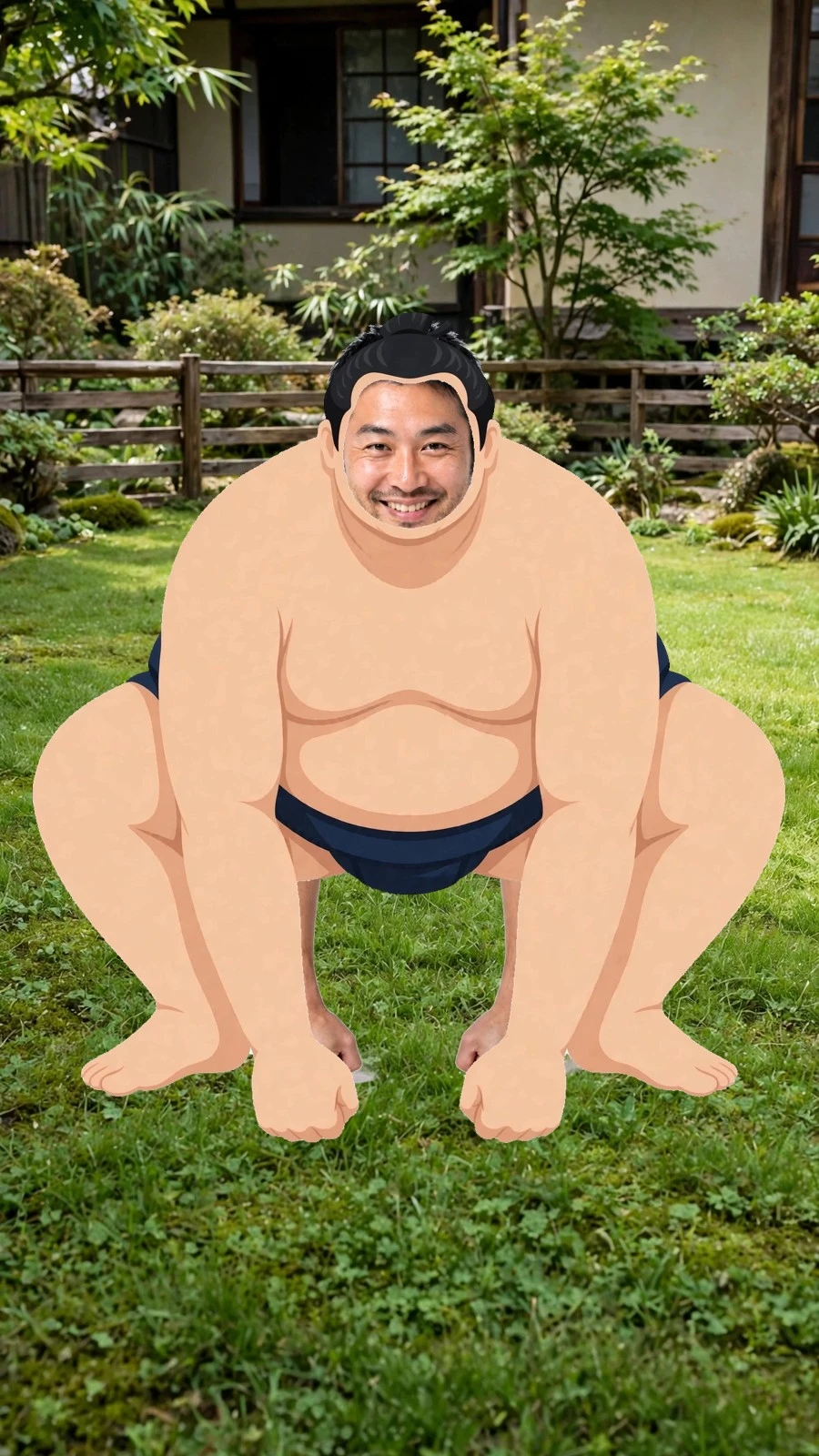
In the finder, you line up your face with the face-position guide.
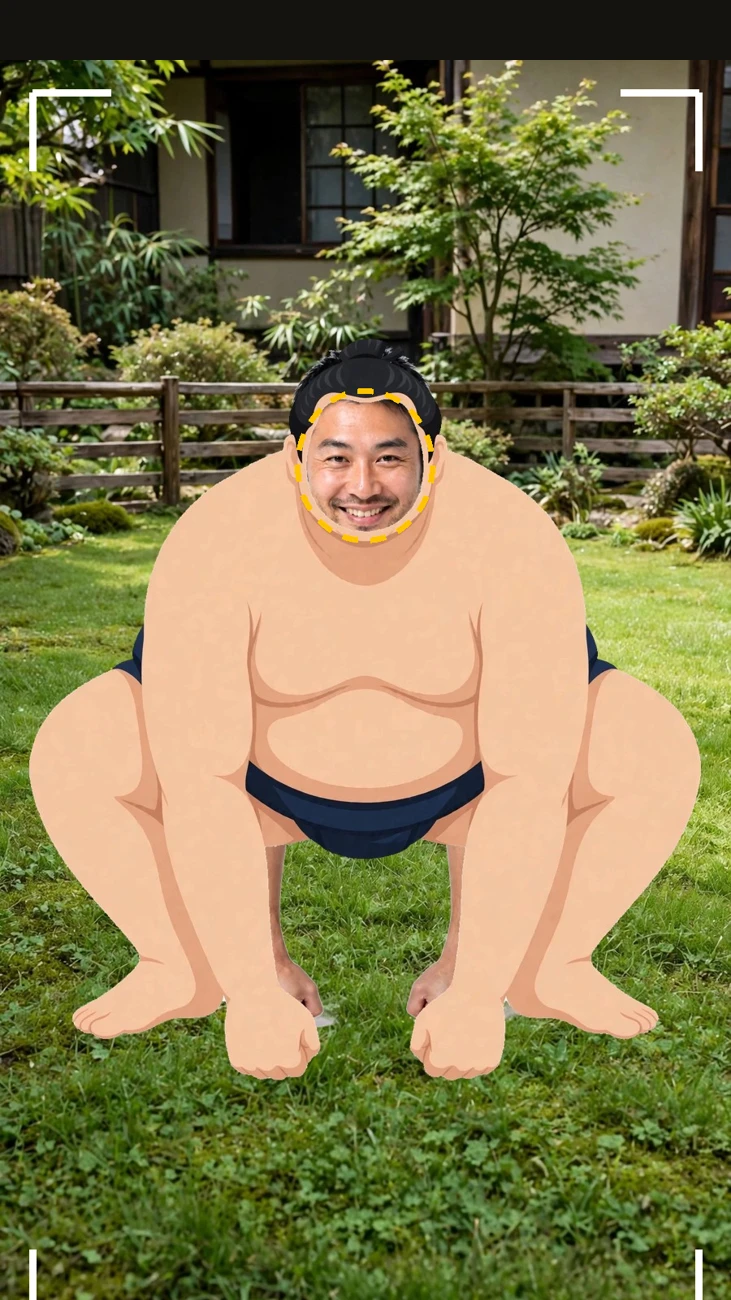
What tripped me up, and the fixes
What took the effort was the drawing itself. This wrestler was not made with the Frame Maker — I had an AI generate it directly, which meant deciding the pose first. I had five poses proposed, and picked the shikiri from among them.
Picking it was not the end of it. In the first drawing the lean was too shallow to read as a shikiri stance, so I had it adjusted — a deeper lean, working from a photo of my own shikiri, and the chin raised so the face looks forward out of the hole. The version I liked came at the end of that process: propose, pick, then fix the body's orientation.
Make the frame before you shoot, set it before you shoot. After that, all that is left is to step into the garden, take the pose, and shoot. The full picture of the feature is on the Encadra page .