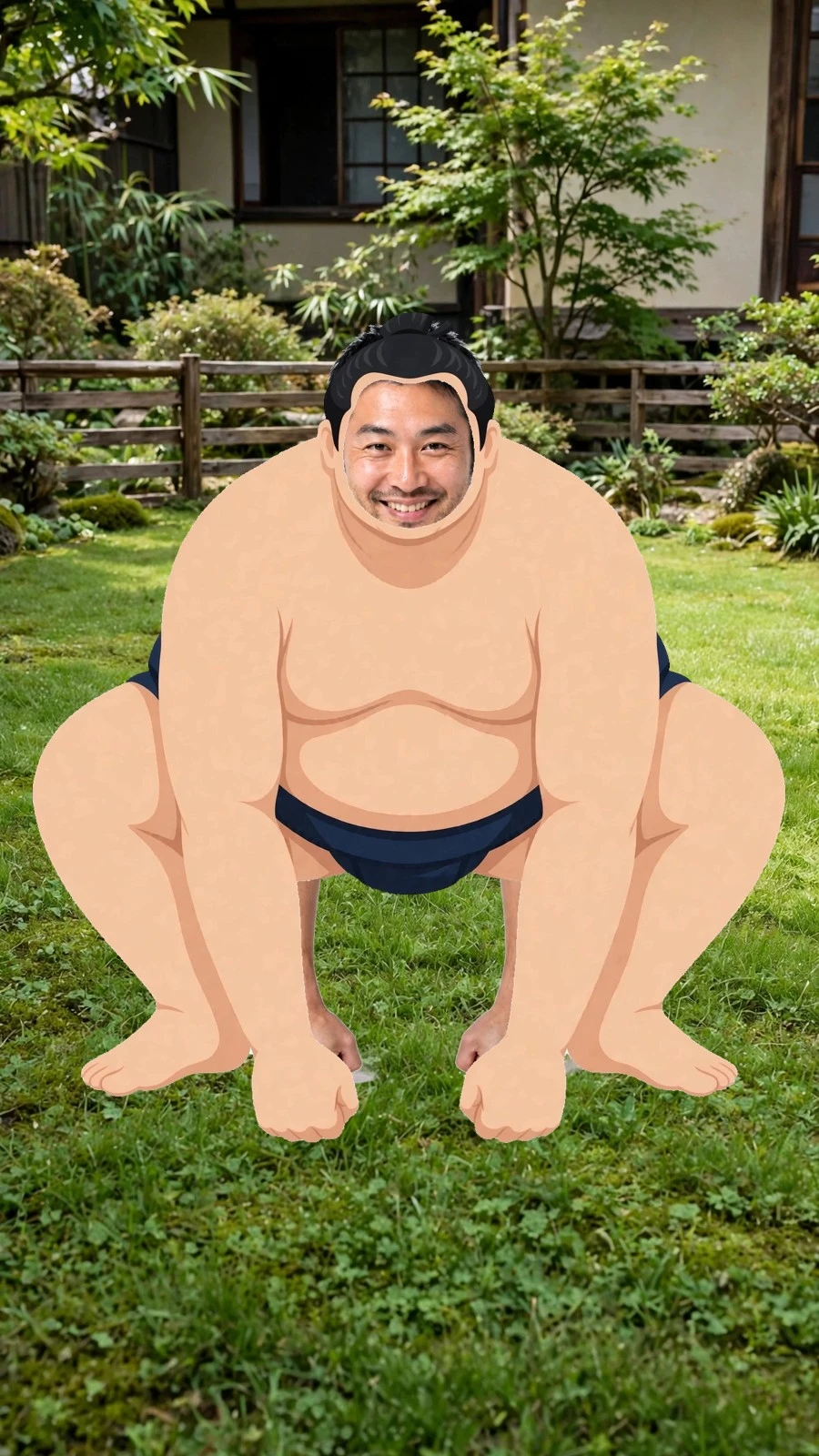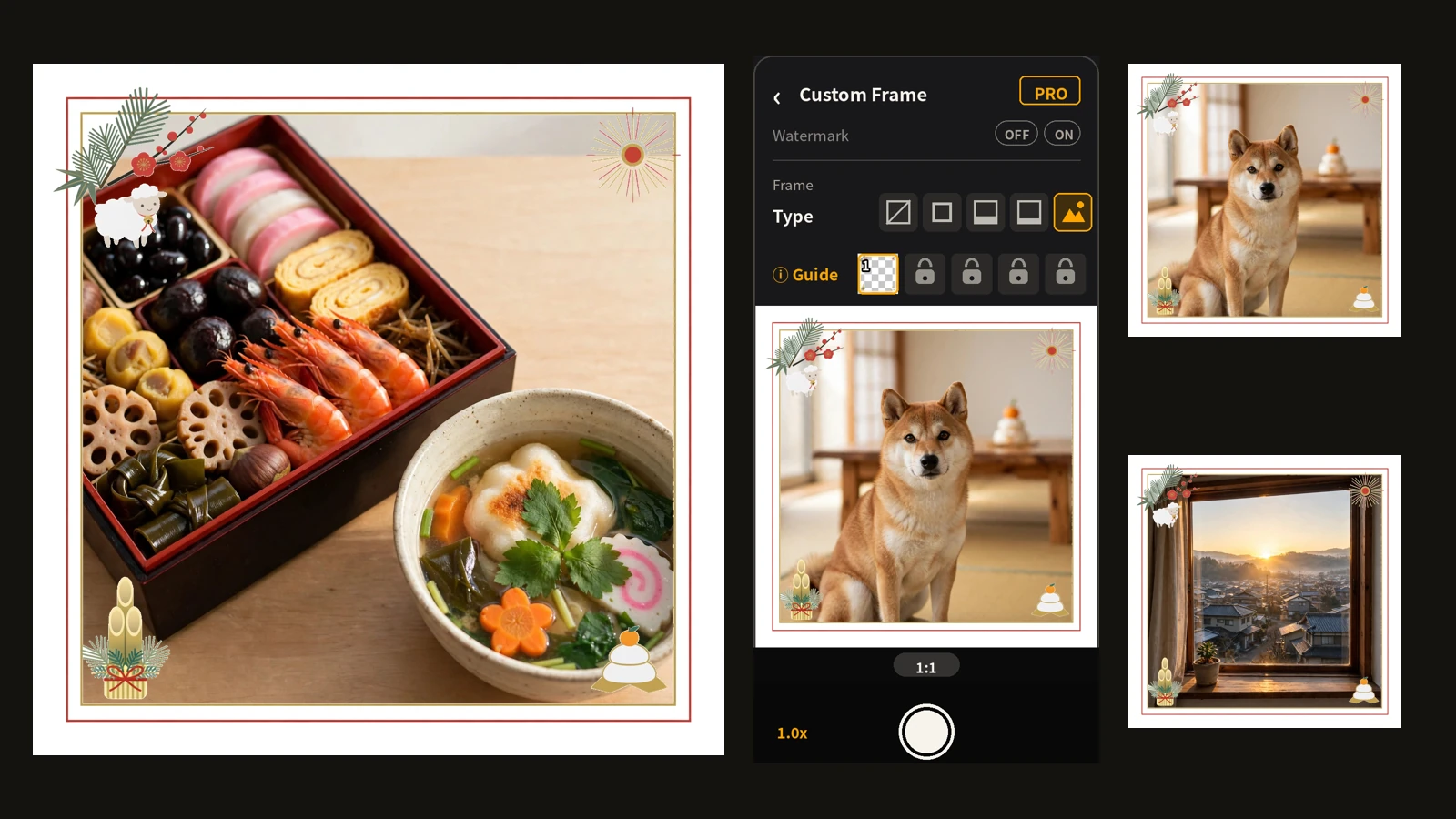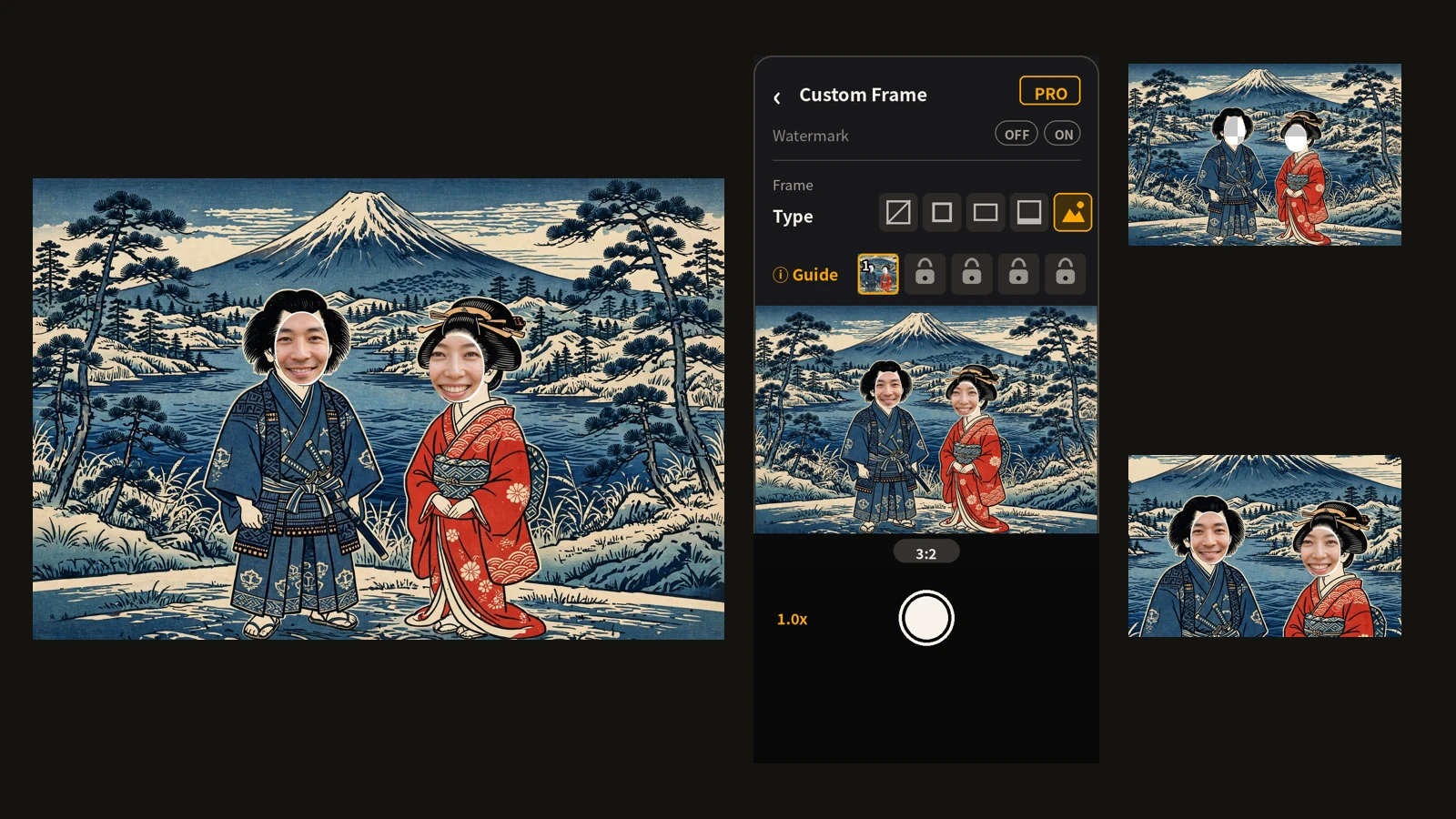
When you want a wide photo, your hands turn the phone sideways almost by habit. Plenty of shots don't need that extra move.
Encadra is a camera that changes only the shape of the frame while the phone stays upright. Your grip doesn't change. The frame does.
What turning the phone costs you
Turning becomes a problem when only one hand is free. If the other hand is holding your things, or holding on to something, the turn itself is not available.
Even when you can turn it, the moment of re-gripping is the unstable one. Re-gripping with both hands is when a phone is easiest to drop, and turning it one-handed puts the shutter out of easy reach of your fingers. In a train or out walking, where other people are around, the wide-elbowed turn also draws attention.
What you wanted was a wide photo, not a different way of holding the phone. The trouble comes from the photo's shape and your grip being tied together.
Five shapes, same upright grip
Encadra's standard ratios are five: 1:1, 4:5, 3:2, 16:9, and 9:16, and all of them are free. Hold the phone upright, pick a shape on the ratio bar, and only the frame changes. A wide shape like 16:9 and a tall shape like 9:16 sit side by side under the same grip.
Here is what the difference looks like on the shooting screen, starting with 1:1.
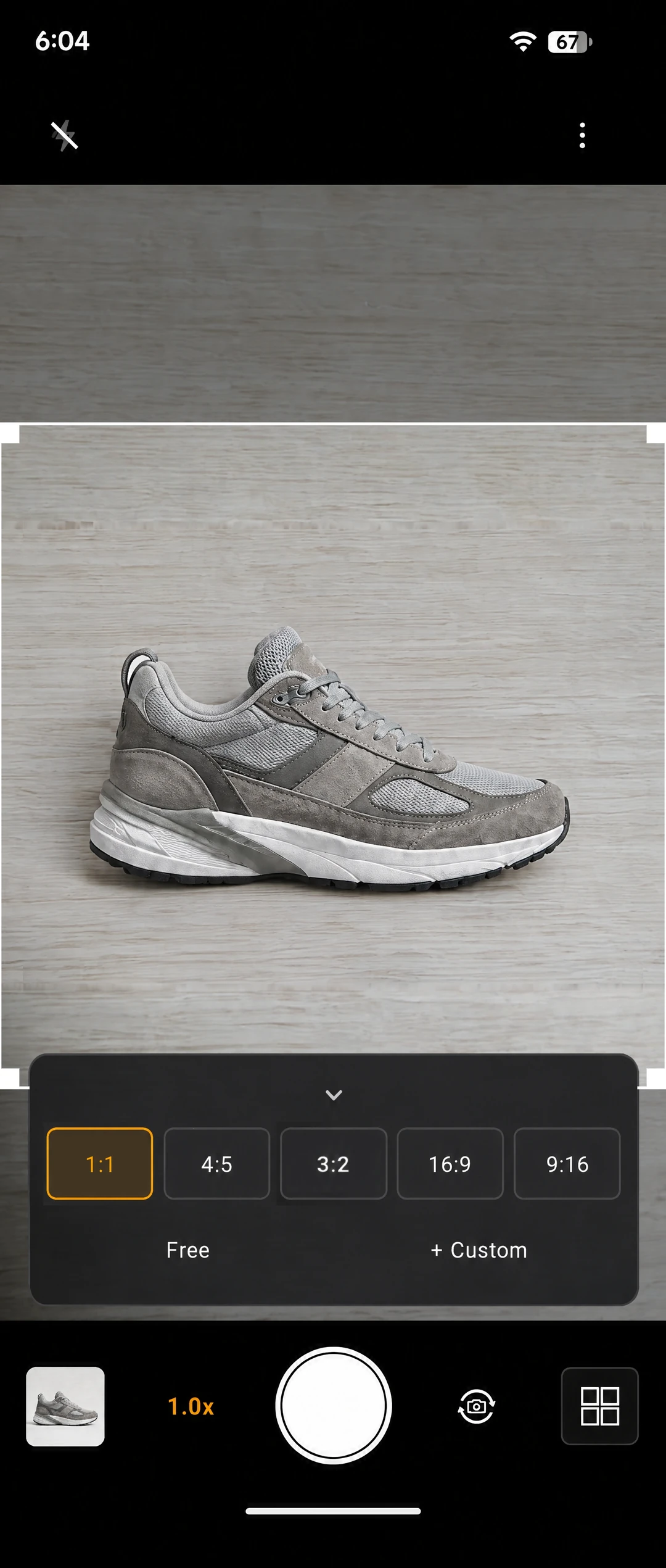
The image above is the shooting screen with 1:1 selected, phone still upright. The frame sits in the center of the screen as a square. Only the frame's shape changed; the phone never turned.
Next, the 4:5 screen.
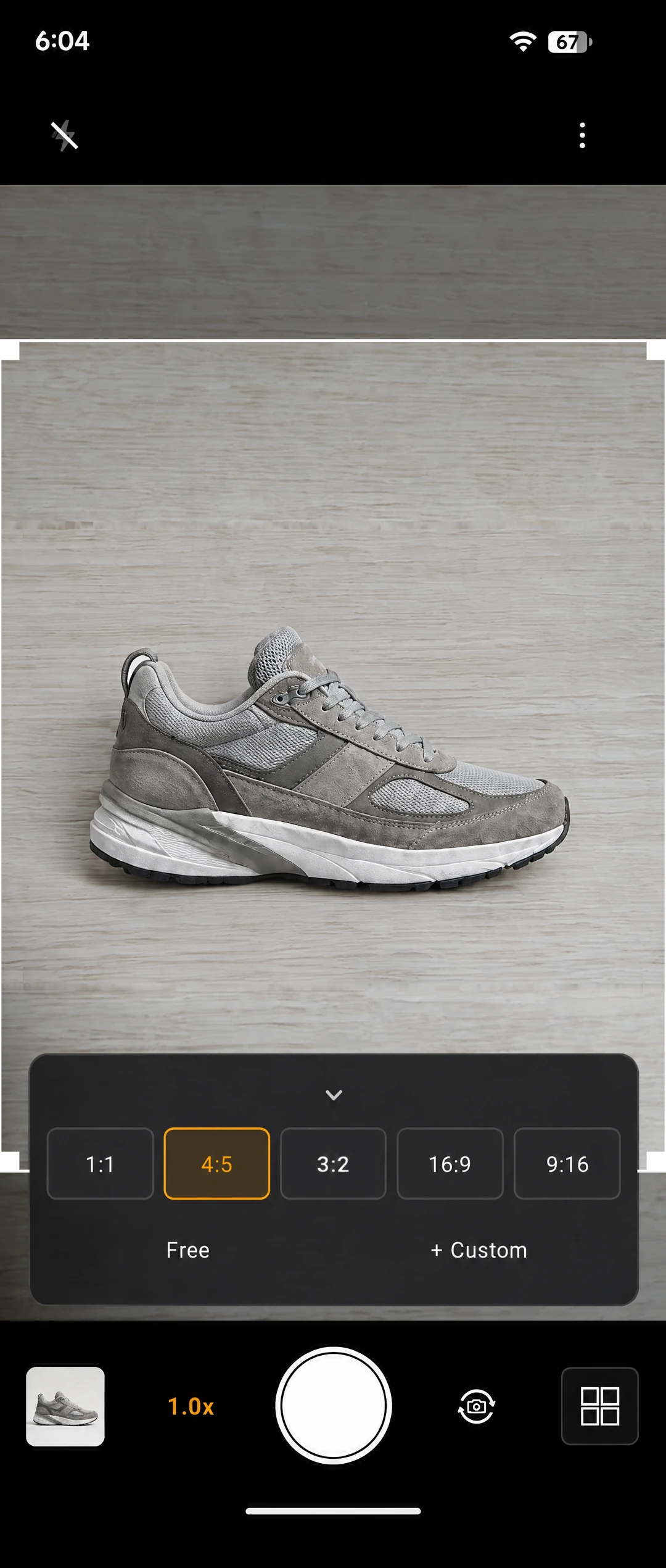
The image above is the shooting screen with 4:5 selected. The frame is a little taller than 1:1, shown in the center the same way.
At 9:16, the tallest of the five, it looks like this.
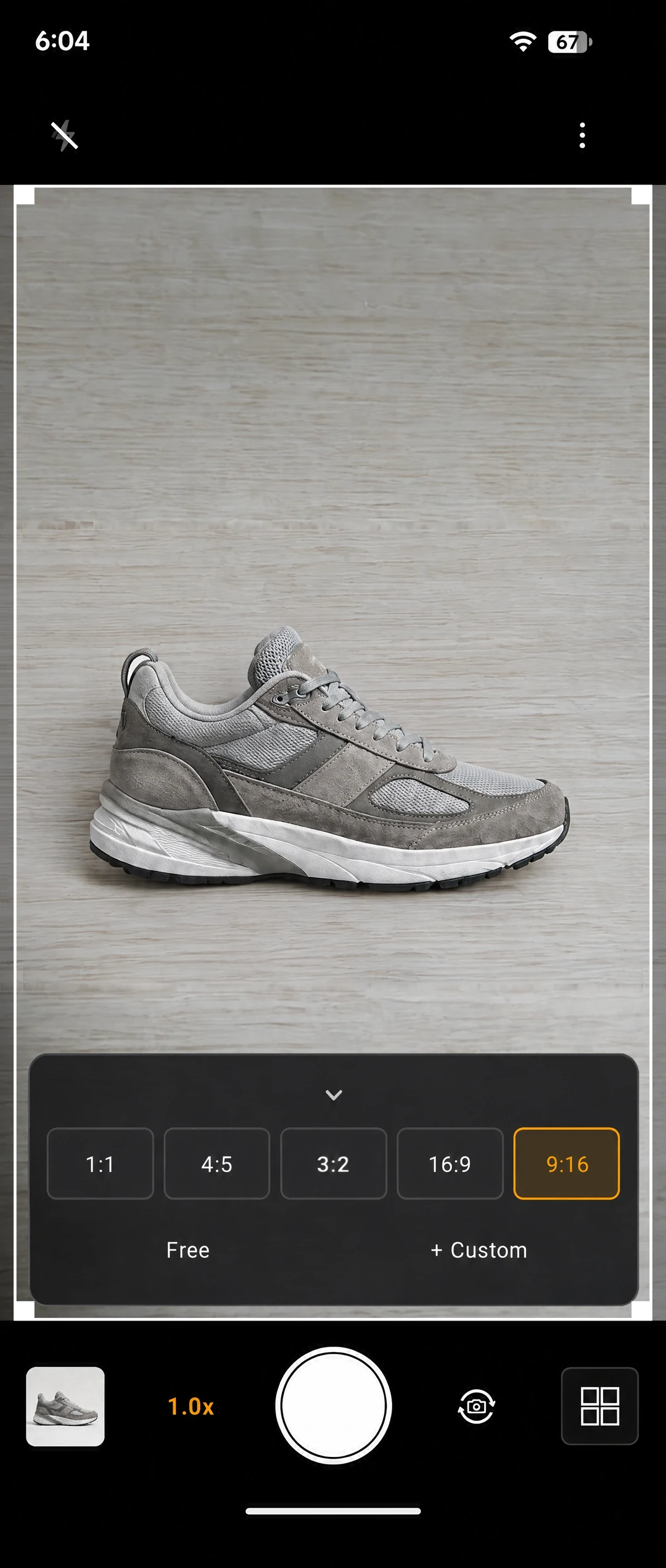
The image above is the shooting screen with 9:16 selected. The frame runs tall, close to the full height of the screen. Each selected shape appears in the center at the largest size that fits the preview. The frame can be resized symmetrically by dragging its corner handles, but its position never moves.
The steps are the usual ones, minus the turn
The steps are: pick the shape on the ratio bar, fit the subject inside the frame, and press the shutter. That is all.
There is no step where the phone gets turned. The only adjustment is where the subject sits, and the grip stays the same from start to finish. The steps do not change when only one hand is free, either.
What gets saved is the shape you picked
Only what sits inside the frame is saved, and the shape you picked becomes the shape of the photo as it is.
Pick 16:9 while holding the phone upright, and the saved photo is wide. How the phone is held and what shape the photo takes are decided separately. No step afterwards rotates the photo or crops it down to a wide shape.
The photo is saved straight to your photo library.
The ratio never swaps on its own
One point to know: turning the device does not swap the selected ratio automatically.
In Encadra, the ratio is set by your selection on the bar, not by how the phone is held. If the device tilts while you shoot, the frame keeps its shape, so the shape never changes by accident. The other side of that is that going from wide to tall is a choice you make yourself.
Both 16:9 and 9:16 are among the standard five. If you need a tall shot after a wide one, select 9:16 again on the ratio bar. Instead of re-gripping, you re-pick the shape — that is how this app is built.
The full picture of the app is on the Encadra page . A wide photo does not need a sideways phone. Keep the grip, change only the frame. That is the center of this way of shooting.